
PlayerPulse March 2026 Update - Data Export, QoL Improvements
What's changed in the latest version of the app?
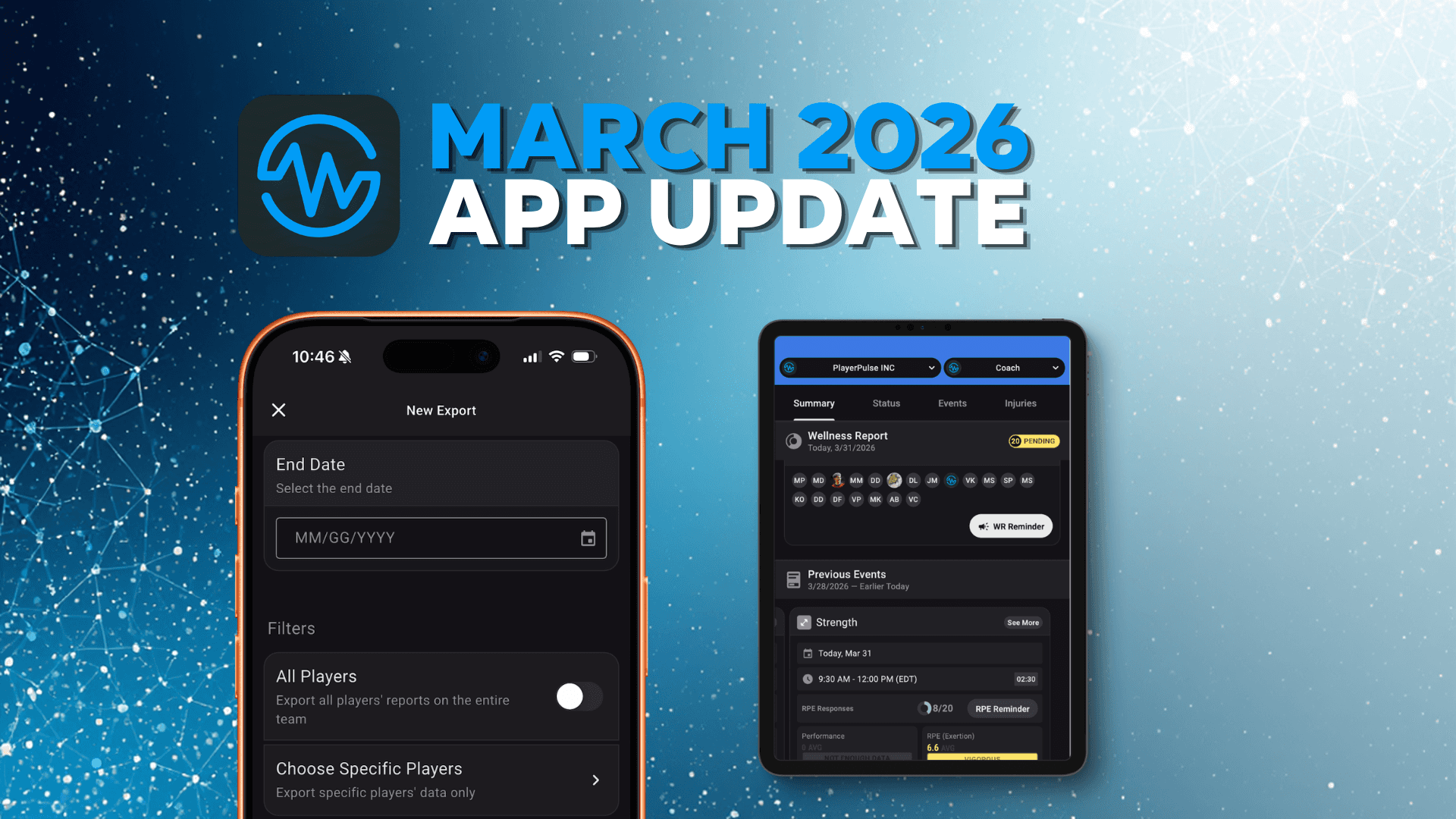
It’s March 2026, which means it’s time for a quick update on what’s new in the latest PlayerPulse release (1.0.31).
This one is all about making your data more accessible, your workflow smoother, and your insights more actionable—without adding extra steps to your day.
Exporting Your Data Just Got Way Easier
Let’s start with the biggest (and most requested) update.
You can now export wellness data and RPE data directly to:
.csvExcel files
And you can do it for:
Individual players
Entire teams
This makes it much easier to:
Share data with performance staff
Run deeper analysis in Excel or other tools
Track trends over time without jumping between screens
If you’ve been waiting to build your own dashboards or reports—this is your moment.
RPE Averages, Right Where You Need Them
We’ve also added a small but powerful quality-of-life improvement.
After an event finishes, you’ll now see the average RPE from that session directly on the home screen.
No more digging into event details just to answer questions like:
“How hard was that session, really?”
“Did we push too much today?”
“Are we trending up or down this week?”
It’s a simple addition, but one that saves time every single day.
Smarter Biometric Sync with Beyond Pulse
Biometric data has also received a meaningful upgrade.
Previously, syncing beyond pulse data could feel a bit inconsistent or unclear. Now:
A biometric sync automatically runs 5 minutes after an event finishes
Data availability is clearly marked with a blue icon
This means you’ll instantly know:
When biometric data is ready
Which sessions have full data available
When it’s safe to start reviewing insights
If for whatever reason, the data wasn't available in the BP API, we now also run a scheduled "resync" the next day at 4:00 AM to capture that data.
What’s Coming Next for Biometrics
We’re not stopping there.
Coming soon:
Manual biometric resync
→ Trigger a refresh anytime you need itAggregate biometric summaries in the event view
→ Get a clear, high-level overview of the entire session
These additions will make it even easier to turn raw data into meaningful coaching decisions.
Expanded Calendar Sync Support
We’re also continuing to expand integrations with the tools you already use.
Next month, PlayerPulse will support League Apps calendar sync, joining the following calendar syncs that we already support.
TeamSnap
PlayMetrics
Demosphere
Sidearm
This means coaches can have a single source of truth through their club management platform, and don't need to worry about keeping double calendars in sync.
Up Next: Even Deeper Insights
We’re continuing to build toward a more complete performance picture inside PlayerPulse.
On the horizon:
Enhanced event summaries for biometrics
More flexible reporting tools
Continued improvements to biometric data handling
That’s all for now.
As always, we appreciate every coach, staff member, and team using PlayerPulse—you’re the reason we keep building.
PS — If you’ve started using the new export tools, we’d love to see what you’re building with your data.